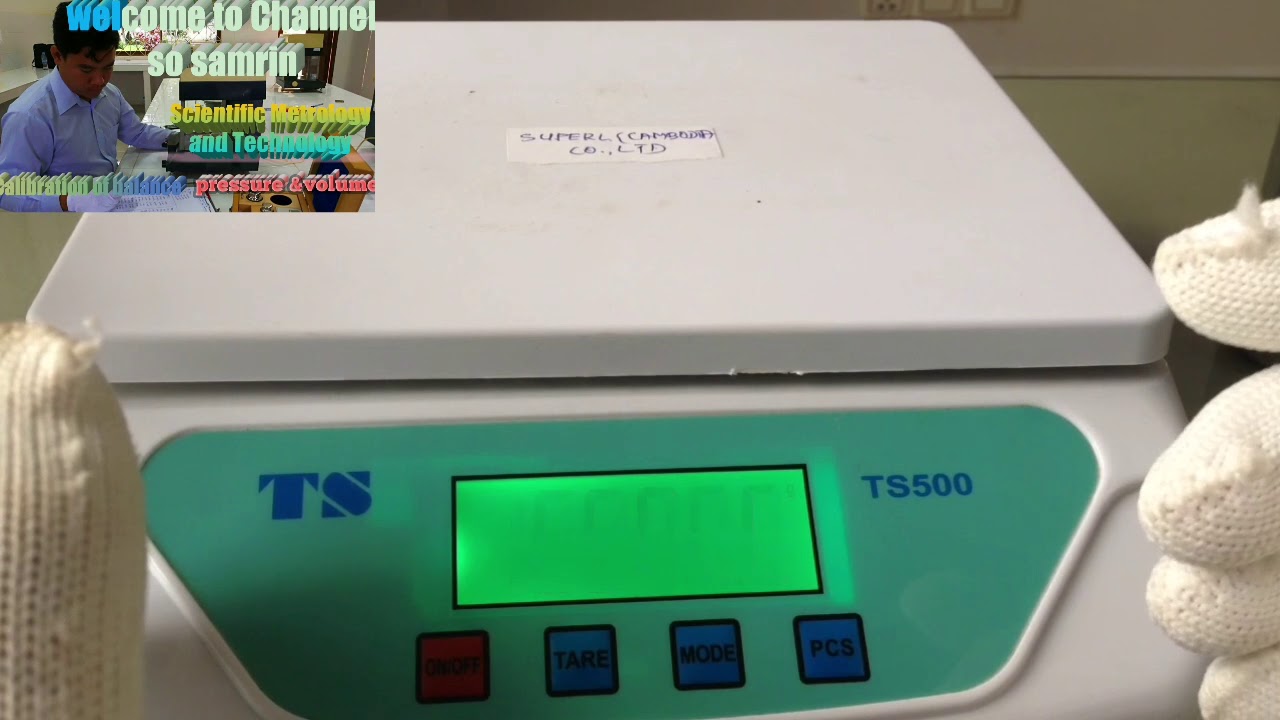
In this video we show you how to calibration of electronic balance,Model TS500: capacity: 15kg×0.5g
Any weighing instrument when first installed should be calibrated to insure accurate weighing results. Every location in the world is positioned differently to "magnetic north" and therefore the acceleration of gravity is slightly different.
Before performing a calibration you should plug your balance in for 1 hour to acclimate the balance to temperature. When the AC adapter is plugged in your balance is in standby mode and you are warming the electronics. Notice in the lower left corner the pointer arrow is illuminated. The ON/OFF button activates the display. So as long as the balance has been plugged in for an hour you are ready to perform calibration.
You also need to level your balance to insure accurate weighing results.
So we’ll first do a calibration with the default setting
1. Press the key MODE until the display shows "CAL" .
2. The display then shows "CAL " .
3. Now the display shows "10000.0" Place the 10000g calibration weight on the center of the pan.
4. The display shows "10000.0" or" the end". Remove the weight and the balance returns to the weighing mode and your balance has been calibrated.
Contact person: MR. SO SAMRIN
Head of Mechanics Metrology
Tel: +855 77 633 886
Email:sosamrin@gmail.com
thanks
Thai scaleCalibration non automatic instrumentsWeighting calibration